
Portrait vs Landscape Mode for Mobile Slots
Portrait versus landscape on mobile slots is actually a bigger deal than people think. Studios design differently for each orientation and some games literally play differently depending on how you hold your phone. Here are the real tradeoffs.
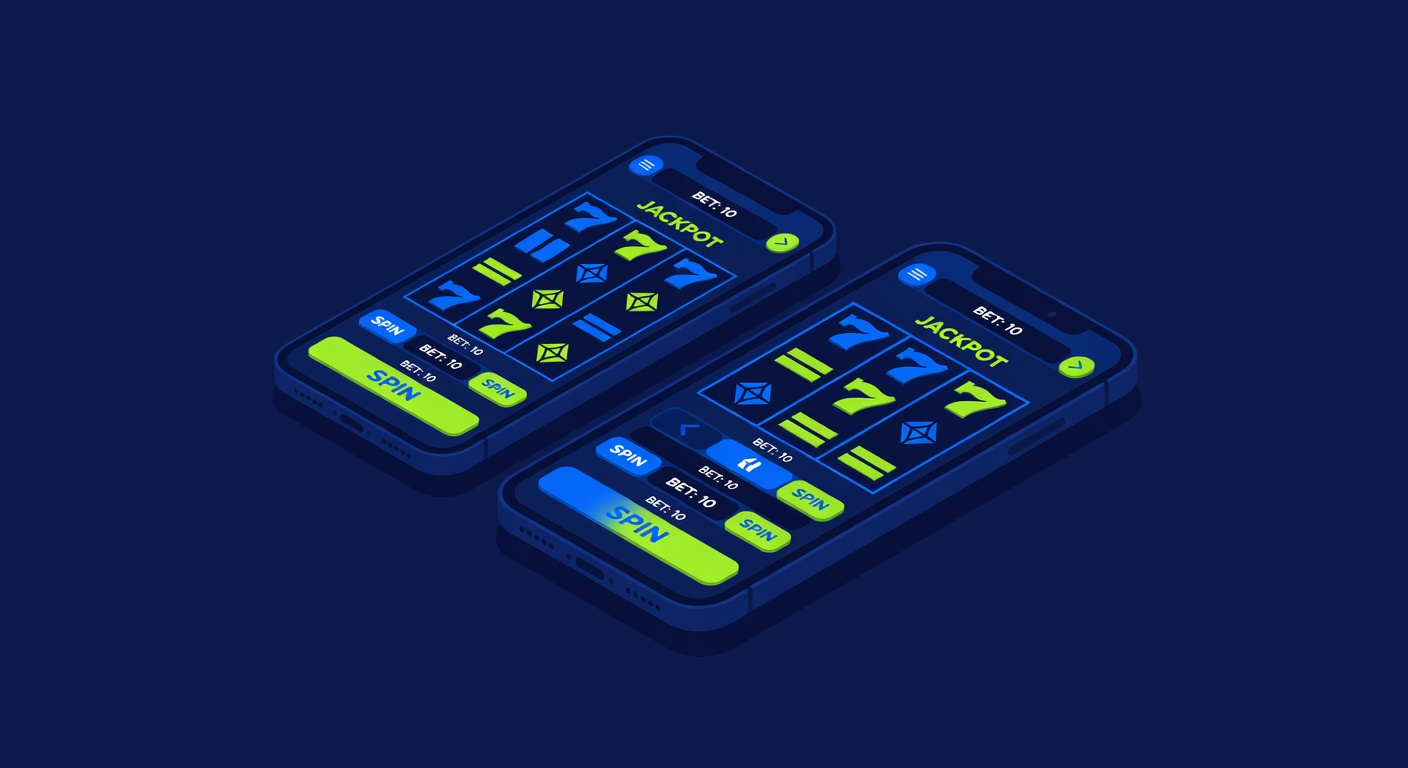
Mobile slots have quietly had a portrait-versus-landscape war happening for years. And the nerdy part is how much of the game UX actually changes based on which way you hold your phone.
Here is the breakdown, item by item.
1. Reel Size and Symbol Density
In portrait, the reels get vertical room but the rows get cramped. Most studios respond by cutting a 5-reel game down to three rows visible in portrait, even if the game is technically a 5x3 or 5x4 grid.
In landscape, you get the full grid with proper spacing. The experience feels closer to what the studio originally designed on desktop.
This is actually why some players swear their favorite game looks different in portrait. The symbol art is compressed.
2. Pay Table and Info Buttons
Landscape puts the info button, bet adjuster, and auto-spin controls on the sides. Clean, reachable with thumbs, no thumb stretches.
Portrait crams them into a bar at the top or bottom, which means more overlays and more menu diving. Games like NetEnt's Starburst handle this well. Other games, especially older Play'n GO and Yggdrasil titles, get awkward.
If a game feels clunky on your phone, try flipping it. Sometimes it is a one-tap fix.
3. Bonus Round Animations
Big win animations are designed for the original orientation. A Pragmatic Play game with a massive wild expansion looks wild in landscape because that is the aspect ratio it was built for.
In portrait, that same animation gets letterboxed or cropped. Some studios rebuild the animation for vertical, some do not. You can actually tell which studios care by the quality of their portrait mode.
4. One-Handed Play vs Two-Handed Play
Portrait is one-handed. Hold the phone, thumb works everything. This is why portrait has become the default for most session play, especially commuting or in-line slot time.
Landscape is two-handed. Better for longer sessions, better for games with complex UI, better when you care about the art.
Game studios have noticed this and shifted toward portrait-first design for anything that is not a flagship franchise.
5. Auto-Spin Behavior
No actual gameplay difference here. Auto-spin is server-side. Whether you are in portrait or landscape does not change the RNG or the result sequence.
But some clients will pause auto-spin if you rotate the device. So if you are trying to chain a long auto-spin session, pick your orientation and commit.
6. Bet Adjuster Sensitivity
Portrait mode bet adjusters are tiny. It is embarrassing how many times I have bumped my bet from 0.20 to 2.00 because the minus button is eight pixels wide.
Landscape gives the UI room. Bet adjuster is bigger, easier to tap accurately. If you are playing at meaningful stakes and the game has a fiddly bet selector, landscape is the safer mode.
7. RTP Is Identical
This is the most important one and the most common confusion. Portrait and landscape play the same game against the same RNG. The RTP does not change.
Any content telling you that landscape pays better or portrait hits more is completely wrong. The orientation is a display setting. The math is server-side and identical.
8. Battery and Data
Landscape renders the full asset set. Higher frame rates, bigger animations, more data. Battery drains noticeably faster.
Portrait on many games runs a stripped-down asset pack. Session lengths on a single charge can be 20 to 40 percent longer in portrait. Not the main reason to pick an orientation but worth knowing on a long train ride.
9. Feature Buy Buttons
In jurisdictions where feature buy is legal, the button is usually more prominent in landscape. The extra real estate gives the studio room for bigger call-to-action UI.
In portrait, feature buys are often tucked behind a menu. Some players argue this is a nudge against impulse purchases. Could be. Could also just be UI pragmatism. Either way, if you are trying to avoid accidentally tapping a feature buy at 50x, portrait helps.
10. The Actual Answer
Which should you use? Portrait for quick sessions and one-handed play. Landscape for anything where you care about the art, the bonus rounds, or have enough phone screen to actually appreciate the grid.
Pick the one that makes the specific game feel less cramped. That is actually the only rule that matters.