
Mobile Sports Betting vs Desktop: Pros and Cons
Mobile is fast and convenient. Desktop is precise and full-featured. Most serious bettors use both for different tasks. Here is the trade-off in practical terms.
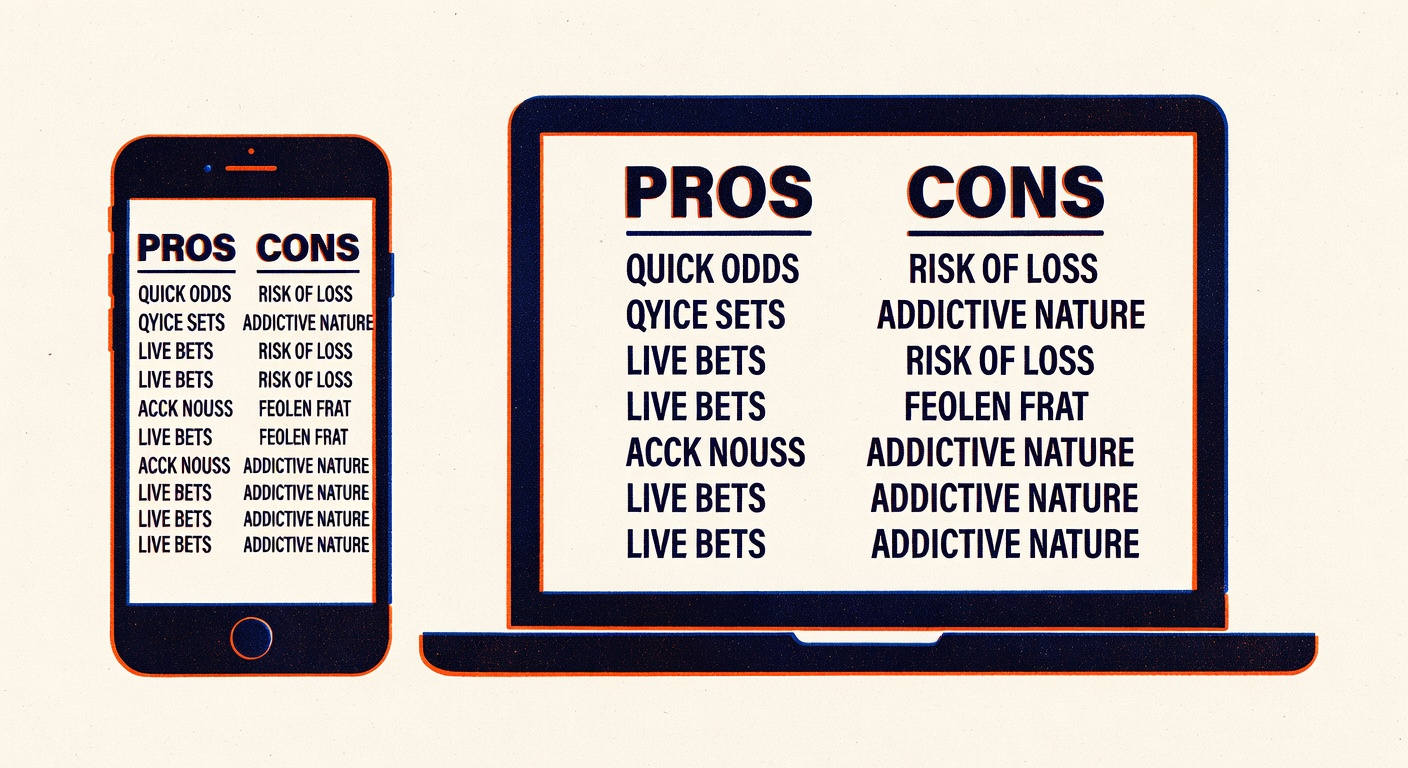
The short answer: for most bettors, mobile is the right tool for placing routine bets and desktop is the right tool for research, line shopping, and managing a portfolio of positions. If you use one for both, you are leaving either efficiency or accuracy on the table.
Let me walk through the specific trade-offs so you can match the tool to the task.
Where mobile wins
Speed is the primary mobile advantage. You can place a bet in 20 seconds while walking down a street. On desktop, the same bet takes 45 seconds to a minute, including login, navigation, and confirmation screens.
For live betting, the speed differential matters enormously. In-play markets move in seconds. A mobile app with persistent login and biometric authentication can get a bet in fast enough to catch a price before it moves. A desktop browser is usually too slow.
Location-based features work better on mobile. Many regulated sportsbooks in the US use geolocation via the app's native GPS to confirm you are in a state where betting is legal. Desktop uses IP geolocation plus additional plugins, which are less reliable. Some sportsbooks do not accept desktop wagers from certain locations even when they accept mobile ones.
Notifications are a mobile-only feature. If you place a futures bet on a team winning a championship, the app can notify you when the team hedges become available, when the line moves, or when the game concludes. On desktop, you would need to check manually.
Where desktop wins
Research is the primary desktop advantage. Multi-tab browsing lets you simultaneously view a sportsbook's prices, a third-party line-shopping tool, a stats site like Fangraphs or CleaningTheGlass, injury news feeds, and a spreadsheet for tracking your open positions. You can compare, cross-reference, and analyze in ways that are clumsy on a 6-inch phone screen.
Line shopping specifically benefits from desktop. If you want to compare prices across five books for a single bet, a desktop with five tabs open takes two minutes. Five mobile apps take ten minutes because of switching overhead and app loading times.
Bet slip management is cleaner on desktop. If you are placing a 10-leg same-game parlay or a complex teaser, the desktop UI gives you more visual real estate to review each selection before confirming. Mobile bet slips are cramped and easy to misread.
Long-form content and analysis tools (handicapping spreadsheets, model outputs, proprietary tracking tools) are often desktop-only or work badly on mobile. If your process involves any Excel or Google Sheets work, desktop is where you live.
What I actually do
My workflow, such as it is, splits between the two:
- Desktop in the morning: review schedule, run my models, identify bets, check for line shop opportunities across books, record planned positions in a tracking spreadsheet.
- Mobile throughout the day: place the bets at the identified price points, monitor line moves, place live bets if opportunities appear.
- Desktop in the evening: reconcile bets, update spreadsheet, review results.
This is not a universal workflow. Recreational bettors do not need the spreadsheet step. Very active live bettors might do most of their work on mobile. But the general principle (desktop for research, mobile for execution) is useful for almost anyone betting more than casually.
Specific technical considerations
Few things that matter beyond the obvious:
- Mobile apps often have bet limits that differ from desktop limits. A book might cap you at 500 per wager on mobile and 2,500 on desktop. Check if this applies to your accounts.
- Mobile apps sometimes lag on price updates compared to desktop pages. When a line moves, the mobile app may be 10 to 30 seconds behind the desktop site. This matters for live betting.
- Screen real estate on mobile for alternate lines and prop markets is much tighter. You may miss prop bets that are available but buried in a menu.
- Desktop browser extensions (like odds comparison extensions) do not exist on mobile. If you rely on browser-based line shopping tools, desktop is required.
What the casual bettor should know
If you are betting on weekends for fun and not running a spreadsheet, mobile is probably all you need. The convenience outweighs the analytical depth that desktop offers. Do not let a guide like this one convince you to overhaul your process if your volume does not justify it.
If you are betting hundreds of wagers a month and tracking your results, desktop is worth integrating. The quality of your decisions improves meaningfully with the research infrastructure that desktop enables, and the spreadsheet work is nearly impossible on mobile.
The counterargument
Someone will tell you that everything is moving mobile-first and desktop is obsolete. This is true for user counts; the majority of sportsbook handle now goes through mobile apps. It is not true for serious bettors. The high-volume professional bettors I know use desktops as their primary research and execution interface. They carry mobile as a secondary tool.
The reason: research depth and line shopping efficiency scale with screen real estate. The more bets you place per day, the more valuable each minute of research becomes, and the mobile-friendliness of your workflow stops being a priority compared to the analytical power of your setup.
For casual use, mobile wins. For serious use, the winner is not one or the other; it is both, used for their respective strengths.
The closing practical note
Set up both. Keep the mobile apps logged in with biometric authentication for fast access. Keep a desktop bookmarked with your books, research sites, and tracking tools in persistent tabs. When you need to decide which to use, pick based on the task:
- Research: desktop.
- Routine placement: mobile.
- Live betting: mobile.
- Portfolio review: desktop.
- Line shopping: desktop.
- Confirming a price you already know: mobile.
The tool is not the point. The decision is the point. Pick the tool that helps you make the decision better, and switch tools freely within a session as the task changes.